Tell us what to look for. Get on with your day.
Look for vehicles, people, boats or supported animals on a selected camera. Worldview checks in the background and saves possible matches to your dashboard.
Command: 1 monitored camera · matches retained for 48 hours
What should we look for?
Checks continue when you close Worldview.
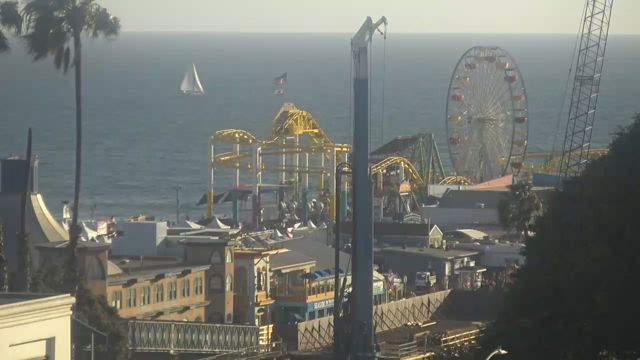 Santa Monica Pier, California · sample framePossible boat
“Look for boats.” Then step away.
Choose one camera from a case, describe a supported subject and review the rule. Return to grouped activity with an image and capture time for each possible match.
- 01
Choose one camera
Pick a camera from a case. Each monitor applies to that camera, so you control exactly where it looks.
- 02
Describe the subject
Look for a vehicle type and optional colour, or the presence of people, boats and supported animals. Review the interpretation before starting.
- 03
Review possible matches
The server keeps checking after you leave. Browse grouped encounters, inspect their evidence and open retained footage when recording is enabled.