A look inside Worldview
Find your view.
See what you can do with it.
Take a quick tour of the workspace, then try the real globe. No account needed to look around.
Worldview / AI monitoringExample
Background monitoring
What should we look for?
Look for boats
Boat1 camera
Checks continue when you close Worldview.
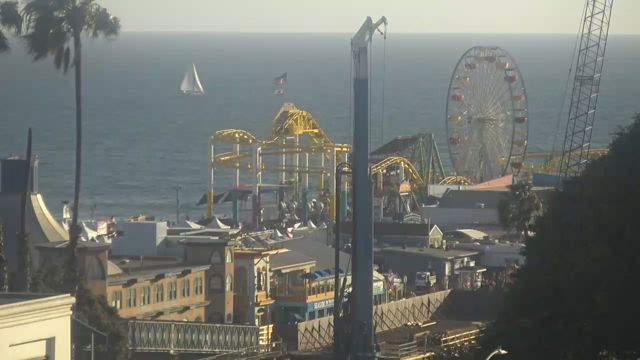 Santa Monica Pier, California · sample framePossible boat
 Possible matchBoat off Santa Monica PierReview the image and capture time on your dashboard.
05 / 08 · AI monitoring
“Look for boats.” Then step away.
Choose one camera from a case, describe a supported subject and review the rule. Return to grouped activity with an image and capture time for each possible match.
Try this
Explore ai monitoring Pick a camera from a case. Each monitor applies to that camera, so you control exactly where it looks.
Ready to explore for yourself?
Open the real globe.
The tour uses illustrative examples. On the globe, you’ll see real sources and current availability. Map browsing and thumbnails are free; opened cameras share a 5-minute allowance every 24 hours.