Camera walls
See the bigger picture. All at once.
Turn an area on the map or a saved case into a wall of cameras. Arrange the views you need and keep the whole scene in sight.
Try a 4-tile wall free · larger walls on paid plans
4 cameras. One view.
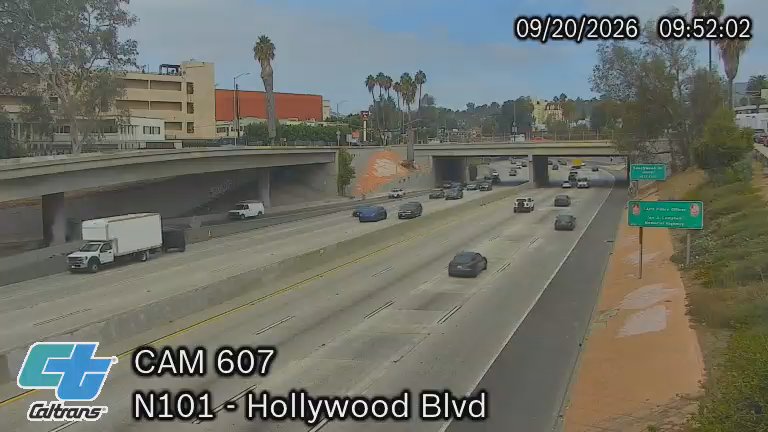 Preview
HollywoodUS-101 · Hollywood Blvd
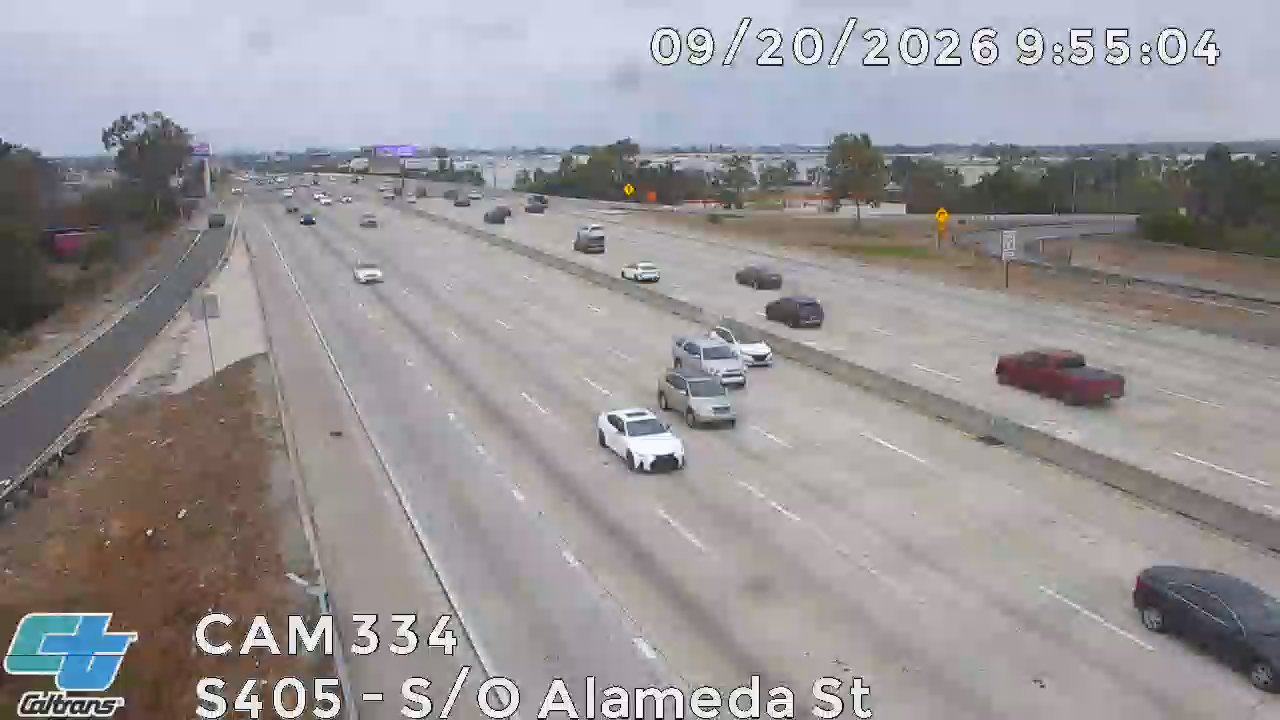 Preview
Long BeachI-405 · Alameda St
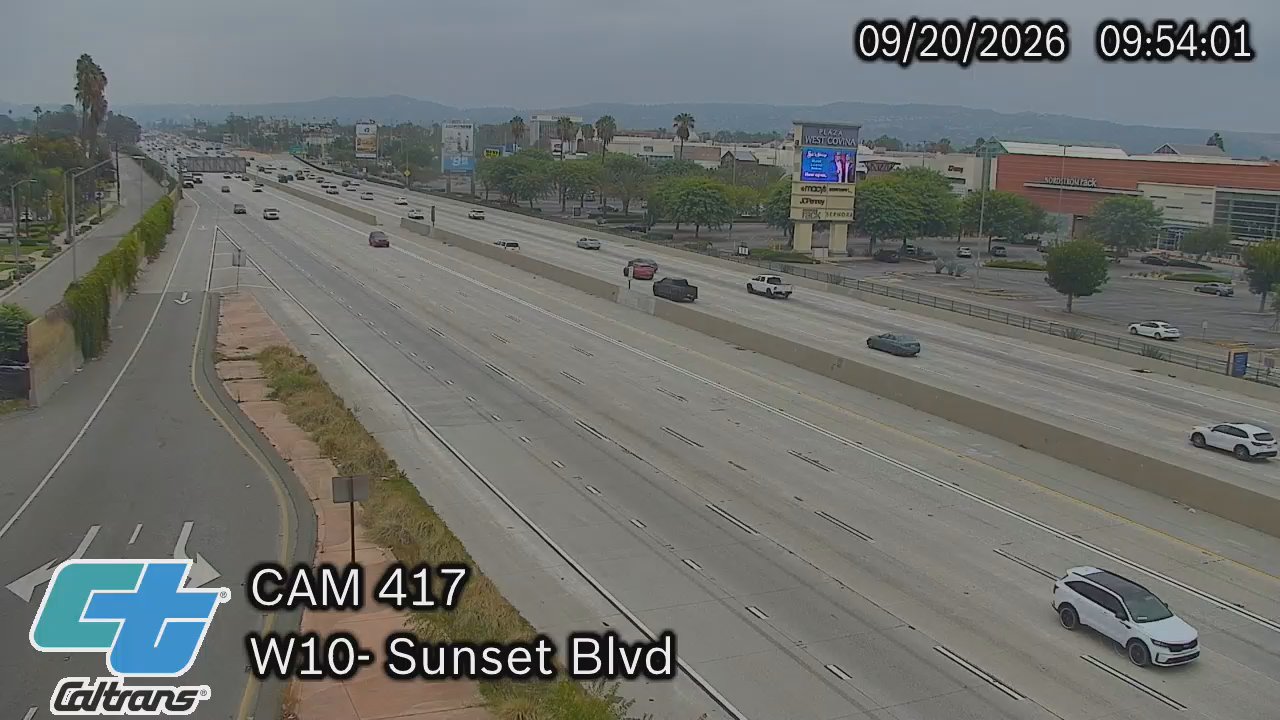 Preview
West CovinaI-10 · Sunset Ave
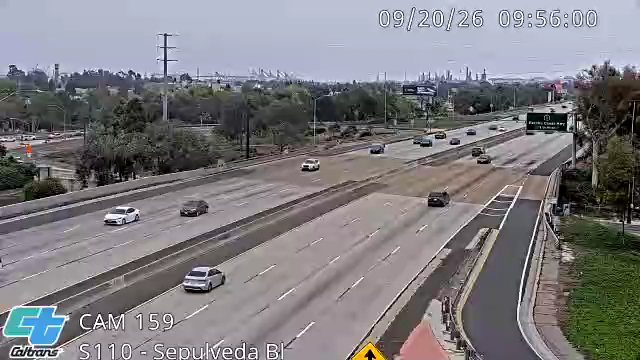 Preview
Carson · southboundI-110 · Sepulveda Blvd
Put it to work
Follow conditions along a journey.
Put the town centre, an approach road and a nearby junction side by side. Fit the whole camera image, or fill a tile when you want a closer view.
- 01
Choose your cameras
Use Monitor on the globe to select an area, or open a wall directly from one of your cases.
- 02
Make it your layout
Drag cameras into position, switch between fit and fill, and focus a single tile when something needs attention.
- 03
Return to your setup
Save walls with an account. Paid plans add larger layouts, more simultaneous feeds and unlimited camera watch time.
A few useful details
Know what to expect.
How many cameras can I watch?
Free walls have up to 4 tiles, Operator 16, Command 25 and Enterprise 36. Simultaneous playback limits also apply; guests can play up to 2 live feeds at once.
Does a wall record the cameras?
A wall is for viewing. Recording is a separate background feature you enable for selected case cameras.
Will the picture be cropped?
Fit mode shows the full image with borders where needed. You can switch to fill mode if you prefer the tile filled edge to edge.
Works together
Build your own way to watch.
Start with a look around